How to Optimize Your Hotel's Google Business Profile
Hotels with complete Google Business Profiles get 2.7x more clicks. A step-by-step optimization guide for independent hotels to boost visibility.
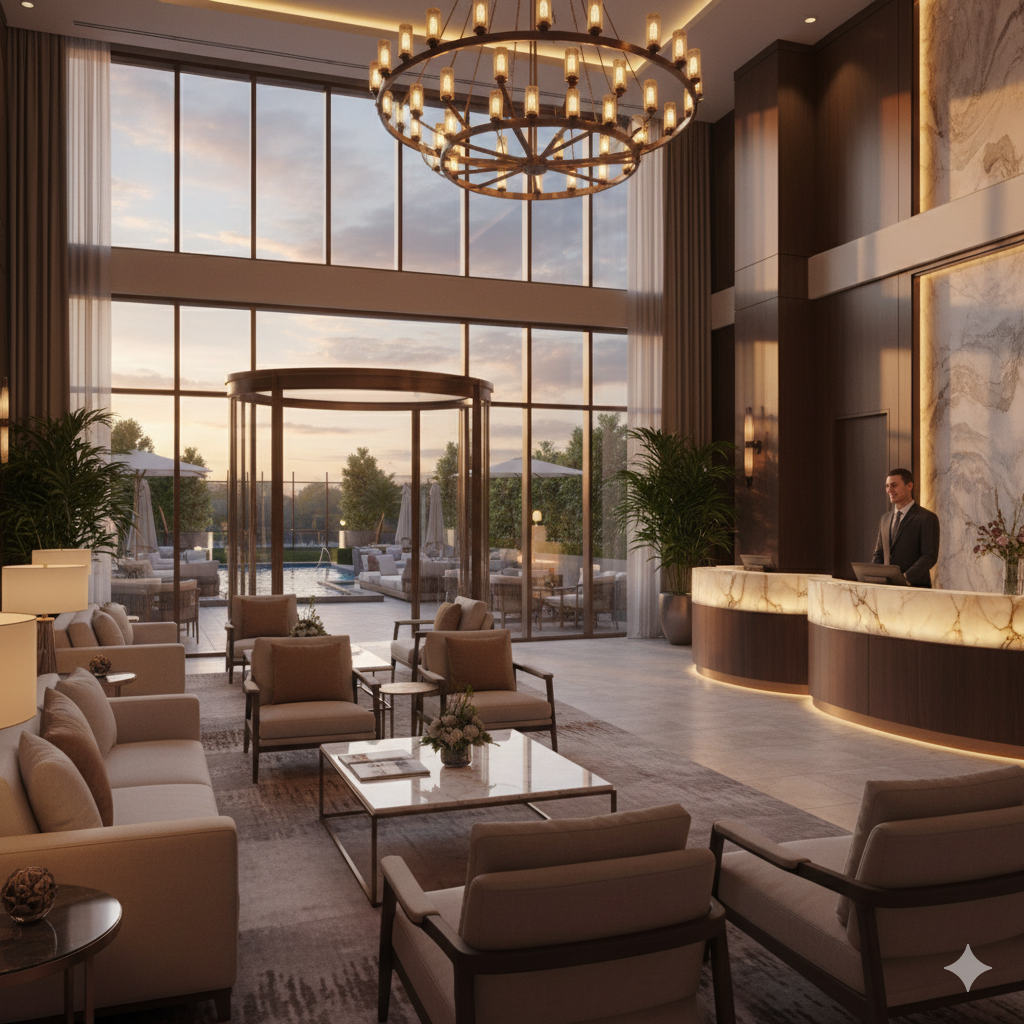
A 32-room hotel in Vienna noticed something strange in their booking data. Direct inquiries from Google had dropped 40% over three months, but nothing about their property had changed. The issue turned out to be their Google Business Profile: someone had reported incorrect hours, three key amenities were missing, and their most recent photos were two years old. After a thorough profile update, inquiry volume recovered within six weeks.
Google Business Profile (GBP) is the single most visible piece of your hotel’s online presence. When travelers search for hotels in your area, your GBP appears in the map pack, the knowledge panel, and Google Hotel Search results. According to BrightLocal research, businesses with complete profiles receive 2.7 times more clicks than those with incomplete information.
Yet most independent hotels treat their GBP as a set-and-forget listing. That’s a missed opportunity.
The Profile Basics (Get These Right First)
Before optimization, make sure the fundamentals are accurate:
Name. Use your official hotel name exactly as it appears on your signage and website. Don’t stuff keywords like “Best Boutique Hotel Downtown” into the name field. Google penalizes this.
Address. Match the exact format used on your website. Inconsistencies between your GBP address and website address confuse Google and can hurt your ranking.
Phone number. Use a local number, not a toll-free line. Local numbers perform better in local search rankings.
Website URL. Link to your hotel’s homepage or a dedicated landing page with your booking engine. Every click from GBP to your website is a potential direct booking.
Business hours. Include check-in and checkout times. Update hours for holidays and special periods. Incorrect hours lead to frustrated guests and negative reviews.
Categories. Your primary category should be “Hotel” (or “Boutique Hotel,” “Budget Hotel,” etc., whichever is most accurate). Add relevant secondary categories like “Wedding Venue,” “Conference Hotel,” or “Pet-Friendly Hotel” if applicable.
Photos That Actually Drive Bookings
Photos are the most underestimated part of GBP optimization. Google’s hotel partner guidelines recommend at least three photos of each room type, plus coverage of common areas, dining, and exterior.
Here’s what to prioritize:
Cover photo. This appears first in search results. Choose your most visually striking exterior or lobby shot. It should immediately communicate what kind of property you are.
Room photos. Upload 3-5 images per room category. Show the bed, bathroom, view (if noteworthy), and any unique features. Use natural lighting. Smartphone photos are fine if well-composed; overly processed images look dishonest.
Common areas. Lobby, restaurant, pool, fitness center, garden, rooftop. Guests want to see the spaces they’ll actually use.
Food and beverage. If you serve breakfast or have a restaurant, show the food. Appetizing meal photos drive clicks.
Seasonal updates. Refresh photos quarterly. A hotel profile showing only winter photos in July feels neglected. Summer terrace shots, holiday decorations, spring flowers: seasonal variety keeps your profile fresh.
Guest-uploaded photos. You can’t control these, but you can influence them. Properties that encourage guests to share photos (through a prompt in post-stay messaging or a photogenic feature worth capturing) build organic visual content.
Upload at least 25-30 photos total. Properties with more photos get more engagement. But quality matters: a few excellent images outperform dozens of dark, blurry shots.
Attributes and Amenities
Google lets you tag dozens of hotel-specific attributes. These affect which filtered searches your hotel appears in. A traveler searching “pet-friendly hotels near me” won’t find you if you haven’t tagged the pet-friendly attribute, even if you welcome pets.
Go through every available attribute and check all that apply:
- WiFi (free or paid)
- Parking (free, paid, valet)
- Pool, gym, spa
- Restaurant, bar, breakfast
- Pet policy
- Accessibility features
- Business facilities (meeting rooms, printer access)
- EV charging
- Air conditioning, heating
- Airport shuttle
This takes 15 minutes and is one of the highest-impact optimizations you can make. Filtered searches are high-intent: someone searching for “hotel with free parking in [city]” is close to booking.
The Q&A Section Most Hotels Ignore
Your GBP has a Q&A section where anyone can ask and answer questions. Most hotels let random people answer questions about their property, which means incorrect information spreads.
Take control of this section:
Seed it with common questions. You can ask and answer your own questions. Add the 8-10 questions your front desk hears most: “Is breakfast included?” “What time is checkout?” “Is parking available?” “Do you allow pets?” “How far is the hotel from the airport?” “Is there a shuttle service?”
Answer every question promptly. When a traveler asks a new question, respond within hours. Unanswered questions look bad and invite wrong answers from others.
Keep answers concise and helpful. Include specific details (parking costs, shuttle schedule, breakfast hours) rather than “Please contact us for details.”
This section functions as an FAQ that appears directly in Google search results. Detailed, accurate answers reduce inquiries to your front desk while helping travelers choose your hotel.
Google Posts: Free Advertising
Google Posts let you publish updates directly to your GBP. They appear when someone views your profile and can include text, images, and call-to-action buttons.
Post types that work well for hotels:
Seasonal promotions. “Spring weekend package: book two nights, get breakfast included. Valid through May.”
Event highlights. “Live jazz in our garden restaurant every Friday evening this summer.”
Property updates. “Our rooftop terrace is now open for the season with panoramic city views.”
Local events. “The city marathon passes our doorstep this Saturday. We still have rooms available with a late checkout option.”
Post weekly if possible. Each post expires after seven days, so regular updates keep your profile active. Include a link to your booking page in every post.
Reviews as a Ranking Factor
Google explicitly uses review signals (count, rating, recency, and response rate) to rank hotels in local search results. This makes review management a critical part of GBP optimization.
The core practices are covered in depth in our guide to getting more Google reviews, but the GBP-specific actions include:
Respond to every review from your GBP dashboard. Responses show directly in your profile and signal active management. Guest experience platforms like Guestivo, Revinate, and GuestRevu can automate post-stay feedback collection and direct satisfied guests toward leaving Google reviews, feeding your review pipeline consistently.
Use review responses strategically. Mention specific amenities, recent improvements, or seasonal highlights naturally in your responses. “Thank you! Glad you enjoyed our new terrace breakfast service” tells future readers about the terrace breakfast.
Flag inappropriate reviews. Fake or policy-violating reviews can be reported through GBP for removal. Google won’t remove negative reviews just because you disagree, but spam, conflicts of interest, and off-topic content can be flagged.
Free Booking Links
Google offers free booking links that display your direct rates alongside OTA rates in Google Hotel Search. This is one of the most underused features for independent hotels.
To activate free booking links, you need to connect your rates and availability to Google through a connectivity partner. Many modern PMS platforms and channel managers support this integration. Cloudbeds, Mews, and Little Hotelier all offer Google Hotel connectivity.
Once connected, your direct rate appears with a “Book” button that sends travelers straight to your website. No commission, no cost per click. Travelers comparing rates see your direct price alongside Booking.com and Expedia, giving you a fair shot at the booking without paying OTA commissions.
If your direct rate is competitive (or includes added value like flexible cancellation or breakfast), this feature can meaningfully shift bookings from OTAs to your direct channel.
Monitoring Performance
GBP provides performance insights that tell you how travelers find and interact with your listing:
Search queries. What terms people used to find your profile. This reveals whether you’re appearing for relevant searches or missing opportunities.
Profile interactions. How many people viewed your profile, clicked to your website, requested directions, or called you. Track these monthly.
Photo views. How your photos compare to similar hotels. If competitors get significantly more photo views, your images may need upgrading.
Booking clicks. If free booking links are active, track how many clicks go to your direct booking versus OTA channels.
Review these metrics monthly. Sudden drops in views or interactions suggest a problem (incorrect information, removed photos, competitors optimizing more aggressively).
Common Mistakes
Keyword stuffing the business name. “Hotel Riverside: Best Luxury Boutique Hotel in Prague Downtown” will get your profile flagged or suspended. Use your real name only.
Ignoring the Q&A section. Letting strangers answer questions about your hotel means wrong information reaches potential guests.
Infrequent photo updates. Profiles showing renovation-era photos or pre-COVID images feel abandoned. Update at least quarterly.
Not verifying the profile. An unverified profile can be edited by anyone and doesn’t receive full ranking benefits. Complete verification immediately.
Missing attributes. Every unchecked attribute is a filtered search you’re invisible in.
Not using Google Posts. They’re free, they increase engagement, and they keep your profile looking active. Skipping them leaves value on the table.
Your Google Business Profile works around the clock, showing up in thousands of searches monthly. Twenty minutes of weekly maintenance (responding to reviews, posting updates, checking accuracy) delivers more booking impact than most paid marketing activities. For a broader view of the technology and marketing tools that drive bookings for small properties, see the boutique hotel technology guide.
Frequently Asked Questions
Is Google Business Profile free for hotels?
Yes, completely free. Creating and managing a Google Business Profile costs nothing. Google also offers free booking links that let travelers book directly from your profile without commission. The only paid option is Google Hotel Ads, which works on a cost-per-click model, but this is optional and separate from the free profile.
How often should a hotel update its Google Business Profile?
At minimum, review your profile monthly. Update photos seasonally (at least every quarter). Post updates weekly if possible, as Google favors active profiles. Respond to reviews within 48 hours. Any time something changes at your property (hours, amenities, renovations, new restaurant menu), update the profile immediately. Stale profiles signal neglect to both Google and potential guests.
Can a hotel have multiple Google Business Profiles?
One hotel should have one profile. However, if your property has distinct businesses with separate entrances and operations (like a hotel restaurant open to the public), those can have their own profiles. Creating duplicate hotel profiles violates Google's guidelines and can result in suspension. If you find duplicate listings, use Google's merge or remove tools to consolidate.
How long does it take for Google Business Profile changes to appear?
Most updates appear within 24-48 hours, though some changes (like category modifications or name changes) may take up to a week and require Google verification. Photo uploads typically appear within hours. New profiles take 1-2 weeks for the full verification process via postcard, phone, or email.
Written by Maciej Dudziak
Topics