What Technology Does a New Small Hotel Need on Day One?
Opening a small hotel? The essential technology checklist covering PMS, payments, WiFi, guest communication, and channel management from day one.
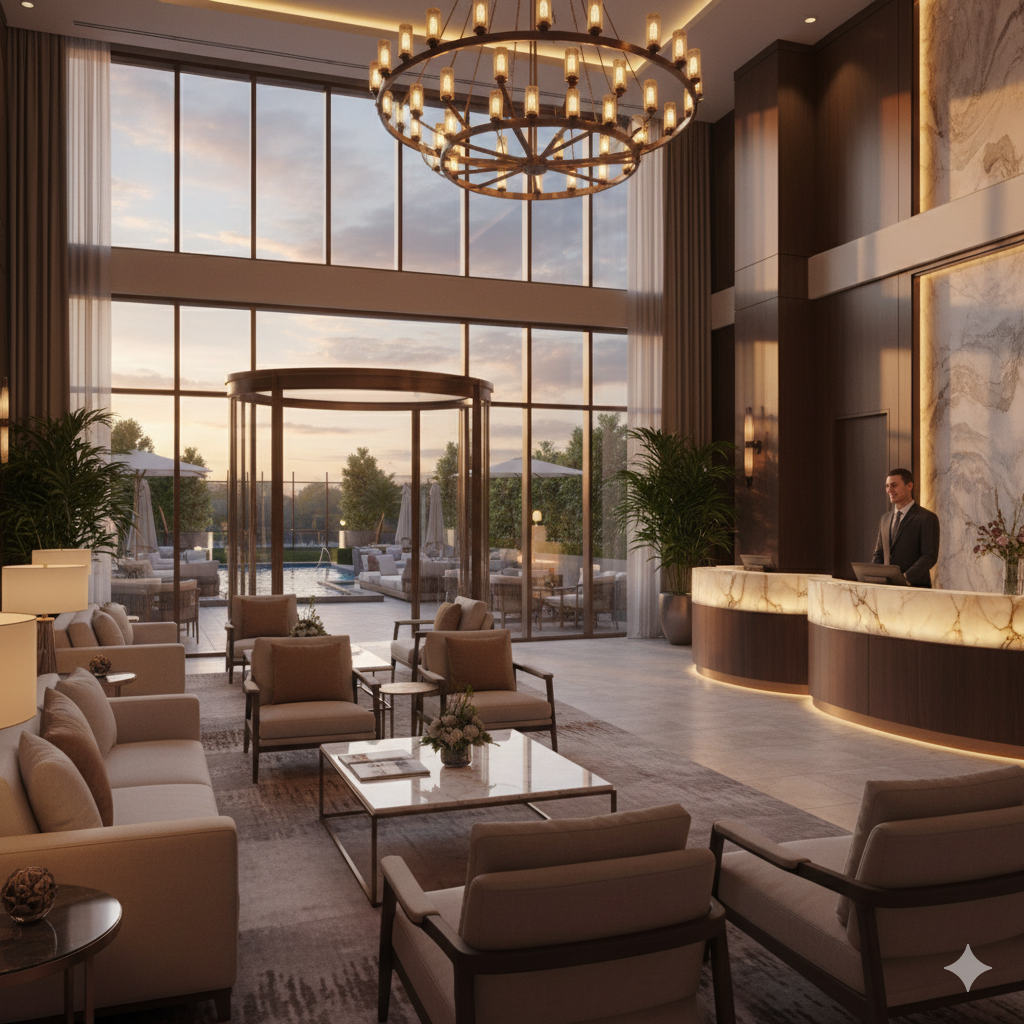
You’ve signed the lease, renovated the building, hired your first staff, and the opening date is four weeks away. Somewhere between choosing mattresses and ordering linens, you need to answer the technology question: what systems does this hotel actually need to operate?
The answer is simpler than the vendor landscape suggests. A 25-room hotel doesn’t need the same technology stack as a 250-room chain property. But it does need certain systems from day one, because operating without them means lost revenue, operational chaos, or both.
This guide covers the essentials: what you must have at opening, what can wait, and what you probably don’t need yet.
The Non-Negotiable Foundation: Your PMS
A Property Management System is the operational core of your hotel. It manages reservations, guest profiles, room assignments, billing, and reporting. Everything else connects to it.
For a new small hotel, cloud-based PMS is the clear choice. No server hardware, no IT maintenance, automatic updates, and access from any device. You can manage your hotel from a laptop at the front desk or a phone at the airport.
What to look for in a PMS for a new property:
Integrated channel manager. Your PMS should connect directly to OTAs (Booking.com, Expedia, Airbnb) and sync availability in real time. Without this, you’ll manually update availability across platforms and inevitably double-book rooms.
Built-in booking engine. A widget or hosted page that lets guests book directly through your website. This saves one vendor subscription and ensures rates stay synchronized.
Intuitive interface. Your staff will learn this system during a hectic opening period. A clean, logical interface reduces training time and mistakes.
Reasonable pricing. New properties don’t need enterprise features. Look for platforms priced per room or on tiers that fit small properties.
Several platforms serve this market well. For a detailed comparison, see the cloud PMS guide. The most common choices for new small hotels include Cloudbeds, Little Hotelier, Mews, and eviivo, each with strengths in different property types and markets.
Choose your PMS first. Everything else depends on it.
Payment Processing
You need to accept credit card payments from day one. This means a payment gateway integrated with your PMS and physical terminals at the front desk.
PCI compliance isn’t optional. Every business accepting card payments must comply with PCI DSS standards. The simplest path: use a PCI-compliant payment processor that handles card data in their environment so sensitive information never touches your systems.
Integrated payment processing means charges flow from PMS to payment system automatically. The front desk doesn’t manually key in amounts. This reduces errors and speeds up check-in/checkout.
Pre-authorization capability lets you verify a guest’s card at check-in and charge the final amount at checkout. Essential for managing incidentals and no-show protection.
Most cloud PMS platforms either include payment processing or integrate tightly with providers like Stripe, Adyen, or hospitality-specific processors.
WiFi Infrastructure
Guests rate WiFi as their most important hotel amenity after the bed. Setting up a proper network before opening prevents the most common complaint in hotel reviews.
The quick version: commercial-grade access points (not home routers), separate networks for guests and operations, bandwidth planning based on room count, and traffic management to prevent one guest from consuming all available speed.
This topic deserves its own deep dive, which is covered in the hotel WiFi setup guide. Budget $5,000-15,000 for hardware and installation depending on building size and existing cabling.
Distribution: Getting Found
A hotel with no distribution is a hotel with no guests. From day one, you need to be bookable through multiple channels.
OTA connections. Booking.com and Expedia should be active before opening. These platforms drive the majority of discovery for unknown properties. The commission hurts (15-25%), but the visibility is essential for a new hotel with no reputation or review history.
Your own website. Even a simple one-page site with your booking engine, photos, location, and contact information. This gives you a commission-free booking channel and a home for your Google Business Profile link.
Google Business Profile. Claim and optimize your profile before opening. Add photos, amenities, hours, and your booking link. When you’re ready, connect free booking links through your PMS so travelers can book direct from Google search results.
Metasearch. Google Hotel Search, Trivago, and Kayak show your direct rates alongside OTA rates. Most channel managers support these connections. The cost-per-click is much lower than OTA commissions.
Don’t spread too thin initially. Booking.com, Expedia, your website, and Google is enough distribution for opening. Add more channels (Airbnb, regional OTAs, specialty platforms) once you’ve stabilized operations.
Guest Communication
From the moment a guest books until after they leave, communication shapes their experience. At minimum, you need:
Automated booking confirmations. Your PMS should send a branded confirmation email instantly after any direct booking.
Pre-arrival information. Directions, check-in process, parking, WiFi details. This can start as a manual email template you send the day before arrival, but automating it quickly saves time. See the guest messaging automation guide for the full timeline.
A communication channel during the stay. At minimum, a phone number and email. Better: a WhatsApp number or messaging platform where guests can reach you easily. Tools like Guestivo, which bundles messaging with check-in and digital ordering so new properties start with fewer vendors, Canary, and Akia combine automated and real-time communication.
Post-stay follow-up. Thank the guest and invite a review. This builds your review profile from the first guest onward.
For opening week, manual communication is fine. But plan to automate within the first month as you establish your messaging patterns.
What Can Wait (But Not Too Long)
These systems add significant value but aren’t critical for opening day:
Revenue management software. You need at least three months of booking data before an RMS can make meaningful pricing recommendations. Start with manual pricing (check competitors on Booking.com, adjust for events and seasonality) and add an RMS once you have data to feed it.
AI concierge. Valuable for reducing front desk workload, but you need to know what guests actually ask before you can train an AI system effectively. Collect common questions during your first two months, then implement.
Digital check-in. Contactless check-in improves the guest experience and saves staff time, but it’s an optimization on top of a working front desk, not a replacement for it. Implement once your basic check-in process is smooth.
Upselling platform. You need to know what guests actually want before you can upsell effectively. Observe demand patterns for late checkout, breakfast, parking, and transfers during your first few months, then digitize the offerings that sell.
Task management system. With a small opening team, verbal coordination works initially. As your operation grows or staff turns over, digital task management for housekeeping and maintenance becomes important.
What You Probably Don’t Need Yet
Avoid spending money on these until your core operations are stable:
Loyalty program software. You don’t have repeat guests yet. Focus on delivering great first visits and collecting reviews.
Advanced analytics platforms. Your PMS reporting covers the basics. You’ll know when you need more.
In-room tablets or smart room technology. Nice to have, expensive to maintain, and irrelevant if your WiFi drops out or your PMS is confusing staff.
Marketing automation beyond basics. Email newsletters and targeted campaigns matter later. Right now, focus on OTA presence and review collection.
The Implementation Timeline
Here’s a realistic schedule for getting your technology ready:
4 months before opening:
- Select and contract your PMS/channel manager
- Choose payment processing provider
- Plan WiFi infrastructure and schedule installation
3 months before opening:
- Configure PMS: room types, rate plans, policies
- Set up OTA connections (Booking.com, Expedia)
- Build or launch your website with booking engine
2 months before opening:
- Install and test WiFi infrastructure
- Set up payment terminals
- Create email templates for guest communication
- Claim and optimize Google Business Profile
1 month before opening:
- Train staff on PMS and payment processing
- Run test reservations through every channel
- Test the complete guest journey: booking, confirmation, check-in, payment, checkout
- Open OTA listings and start accepting real bookings
Opening week:
- Monitor everything closely
- Document common guest questions for future automation
- Collect feedback from early guests
- Fix issues as they appear (they will appear)
The Budget Picture
For a 25-room hotel, realistic technology costs at opening:
Monthly recurring:
- Cloud PMS with channel manager and booking engine: $200-500
- Payment processing: transaction fees (typically 1.5-3%)
- Internet connection: $200-600
- Guest messaging (if using a platform): $50-200
One-time setup:
- WiFi hardware and installation: $5,000-15,000
- Front desk hardware (computer, printer, card reader): $1,500-3,000
- Website design and hosting: $1,000-5,000
- PMS setup and training: often included or $500-1,000
Total first-year technology cost: approximately $15,000-30,000 including one-time and recurring expenses. That’s roughly the revenue from 15-25 room nights at a $150 average rate. Every subsequent year costs less as one-time investments are behind you.
Technology should be treated as a core operational expense, like linens or cleaning supplies. Skimping on it creates problems that cost more to fix than the technology costs to implement.
For a comprehensive view of how these systems connect and evolve as your property matures, see the boutique hotel technology guide.
Frequently Asked Questions
How much should a new small hotel budget for technology?
For a 20-30 room property, budget $500-1,500 per month for core technology (PMS, channel manager, booking engine, payment processing, guest communication). Add $5,000-15,000 one-time for WiFi infrastructure, hardware (front desk computer, payment terminals), and setup costs. Some cloud PMS platforms bundle most software needs for $200-500 monthly, reducing the number of separate subscriptions.
Should a new hotel start with an all-in-one platform or separate tools?
For properties under 50 rooms, an all-in-one or tightly integrated platform is usually the better starting point. It's simpler to manage, requires less technical knowledge, and reduces integration headaches. You can always swap individual components for specialized tools as you grow and understand your specific needs. Starting with five separate vendors that don't talk to each other creates operational chaos from day one.
When should a new hotel start setting up technology before opening?
Begin at least 3-4 months before opening. Month one: select and sign contracts with your PMS and channel manager. Month two: configure room types, rate plans, and connect distribution channels. Month three: test the complete booking flow, train staff, and go live on OTAs. Final weeks: fine-tune, run test reservations, and ensure payment processing works. Rushing technology setup in the final weeks before opening guarantees problems.
Does a small hotel need a separate website or is OTA presence enough?
You need your own website with a booking engine. OTAs charge 15-25% commission on every booking. Even a basic website with a direct booking option saves thousands annually. More importantly, your website is the only channel you fully control. OTAs can change terms, raise commissions, or downgrade your listing. Your website remains yours. Start simple and improve it over time.
Written by Maciej Dudziak
Topics